Skip to content

Qingdao Office

Office Spaces & Equipment Guide

A clear guide to each space, its equipment, and how to use it well

This page provides an overview of meeting rooms and shared office facilities in the Qingdao office, including the large meeting room, small meeting room, reception room, discussion rooms, lobby display screen, culture wall, and printing equipment. Any future updates to equipment or procedures will be reflected on this page.

01
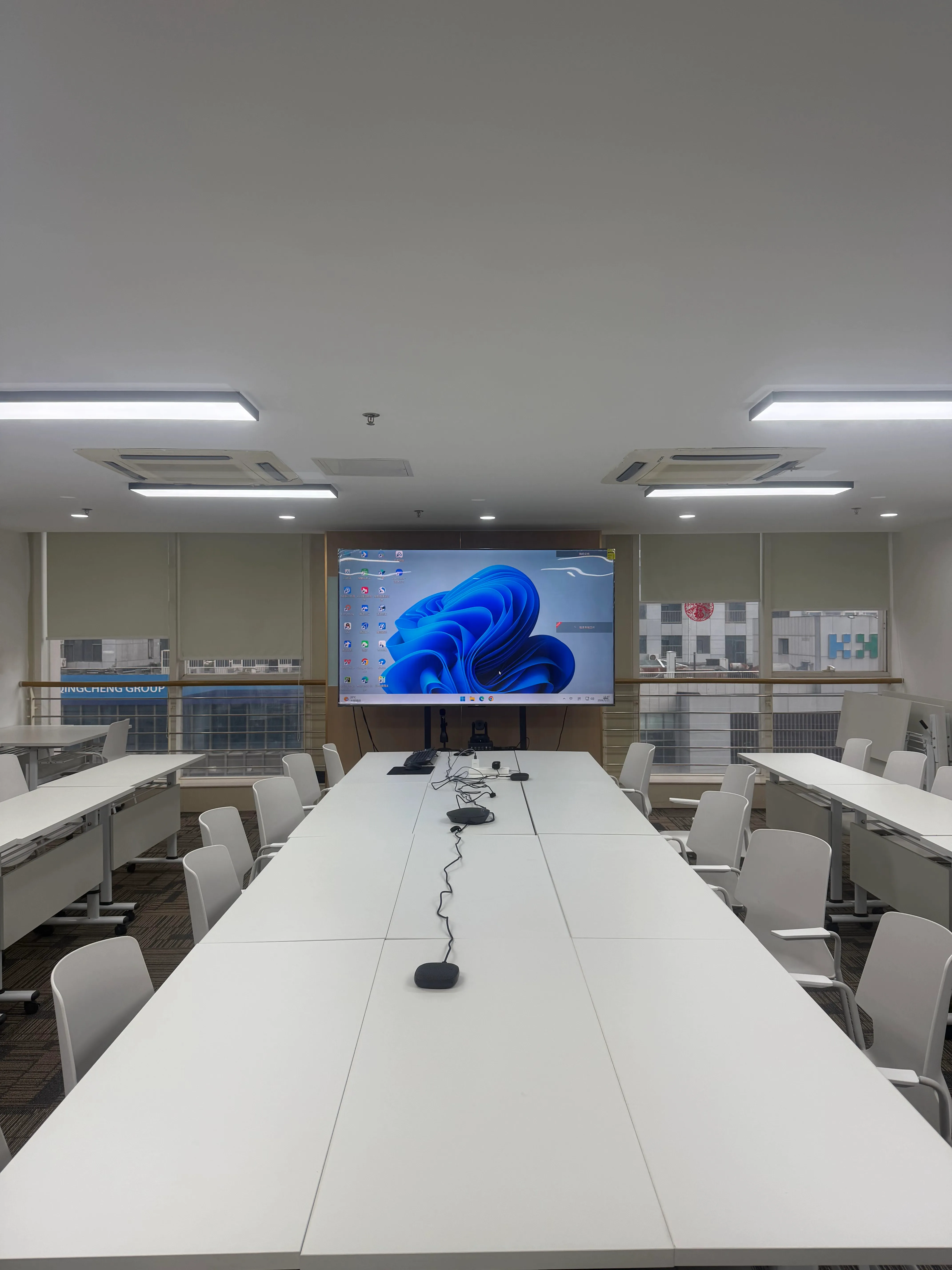
Large Meeting Room

Large Meeting Room

Suitable for formal meetings, client visits, and multi-person video conferencing

Main Room Video Conference Client Meeting
Space Area
Approx. 60m²
Recommended Capacity
5–35 people (central table for around 15)

Facilities & Equipment

  • 100" meeting display
  • 1080P conference camera with optical and digital zoom
  • ThinkPlus microphone and speaker system
  • Dedicated conference PC with Feishu, Tencent Meeting, Zoom, Knock, Whalek, and DingTalk installed
  • Wireless keyboard and mouse, presenter remote, handheld microphone

Notes

  • The room is pre-configured by IT and is usually ready for use after startup.
  • If a laptop is required, switch the HDMI cable from the host PC to the personal device and restore it afterwards.
  • For external guests, it is recommended to use the room PC for presentations whenever possible.
  • If the display is unavailable, first check whether the host PC is powered on and whether the HDMI cable is properly connected.
  • Please contact IT at least 30 minutes in advance if support is needed.
  • Shut down the PC normally. Do not switch off the room power outlet.

Usage Flow

  1. 1 Turn on the meeting display.
  2. 2 Power on the conference PC.
  3. 3 Open the required meeting software on the desktop.
  4. 4 After the meeting, sign out and shut down the PC normally.
  5. 5 Turn off the display, air conditioner, and lights before leaving.
02
Small Meeting Room

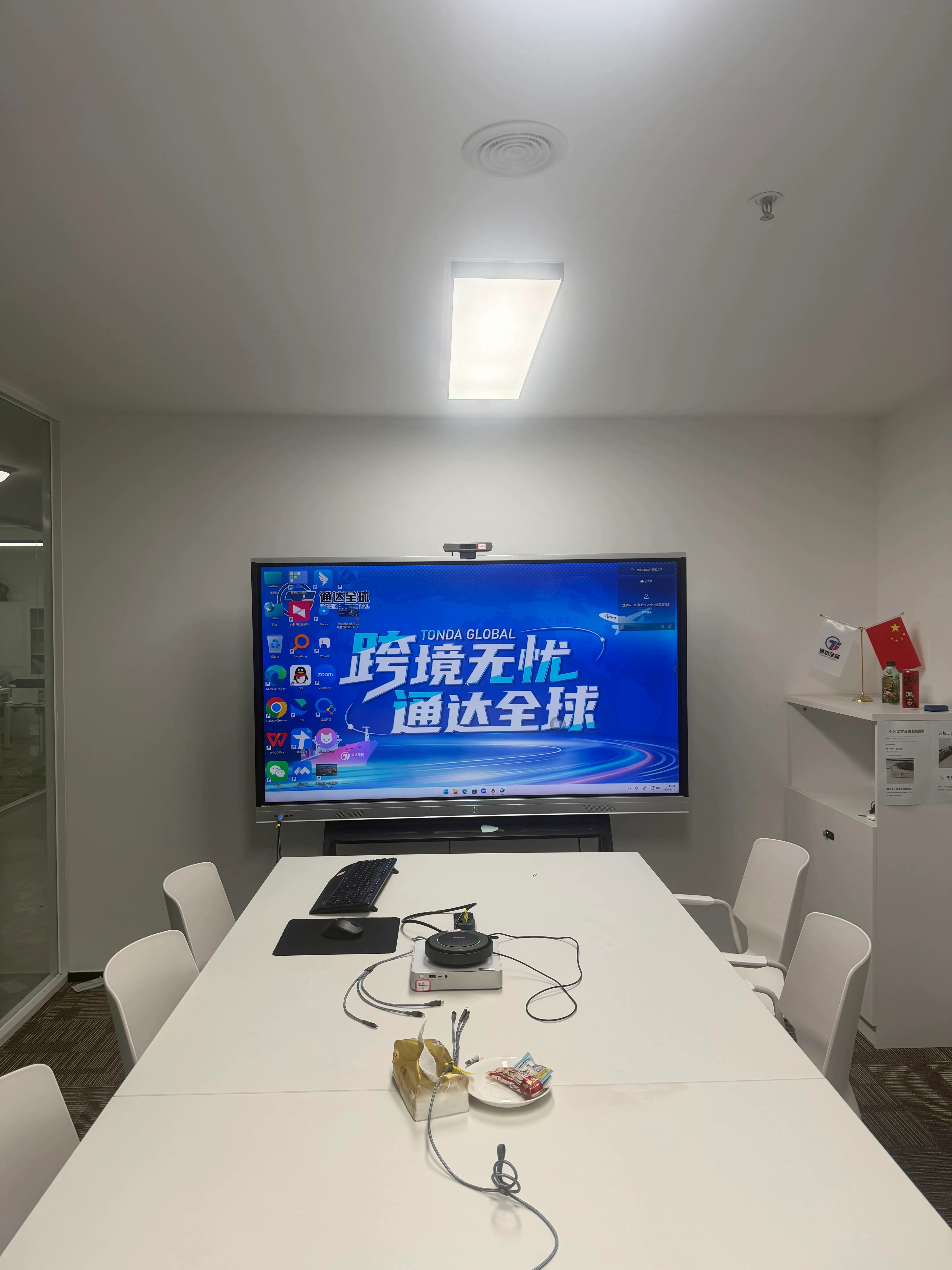
Small Meeting Room

Suitable for small discussions, internal meetings, and daily communication

Small Meeting Internal Use
Space Area
Approx. 10m²
Recommended Capacity
2–8 people

Facilities & Equipment

  • 75" meeting display
  • 1080P wide-angle conference camera
  • ThinkPlus microphone and speaker equipment
  • Mini conference PC with common meeting software installed
  • Wireless keyboard and mouse

Notes

  • All core devices have been pre-configured by IT.
  • If you use a personal laptop, switch the HDMI cable accordingly.
  • If the display is unavailable, check the PC power and HDMI connection first.
  • Shut down the PC normally after use. Do not switch off the room power outlet.

Usage Flow

  1. 1 Turn on the meeting display.
  2. 2 Power on the mini PC.
  3. 3 Open the required software from the desktop.
  4. 4 After the meeting, sign out and shut down the PC.
  5. 5 Turn off the display, air conditioner, and lights before leaving.
03
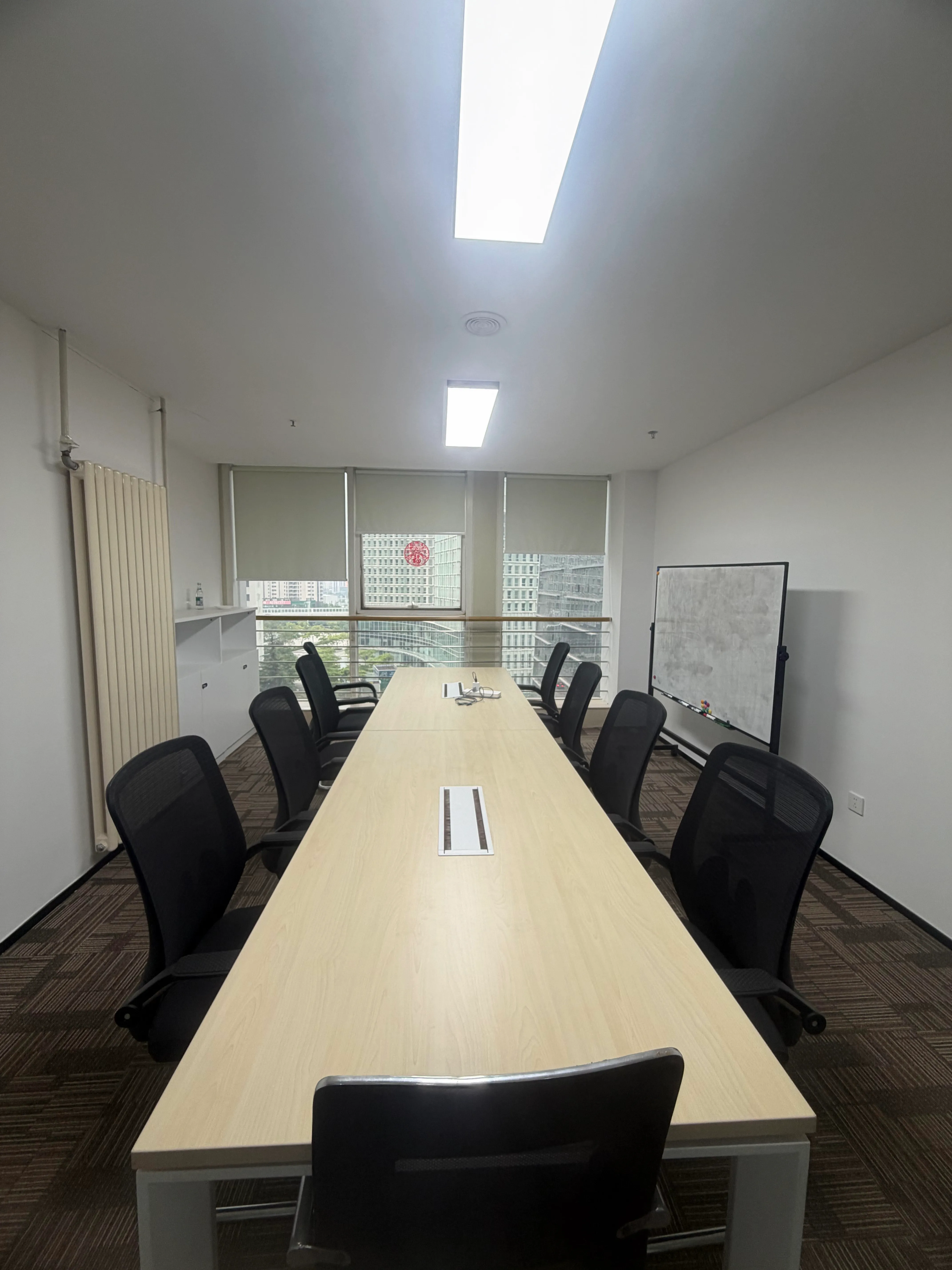
Reception Room

Reception Room

Suitable for guest reception, interviews, and laptop-based discussions

Reception Interview
Space Area
Approx. 10m²
Recommended Capacity
2–8 people

Facilities & Equipment

  • Whiteboard
  • Two 8-socket power strips
  • Korea-to-China plug adapter

Notes

  • No multimedia equipment is installed in this room.
  • Please turn off lights and air conditioning before leaving.
  • Do not switch off the room power outlet.
04
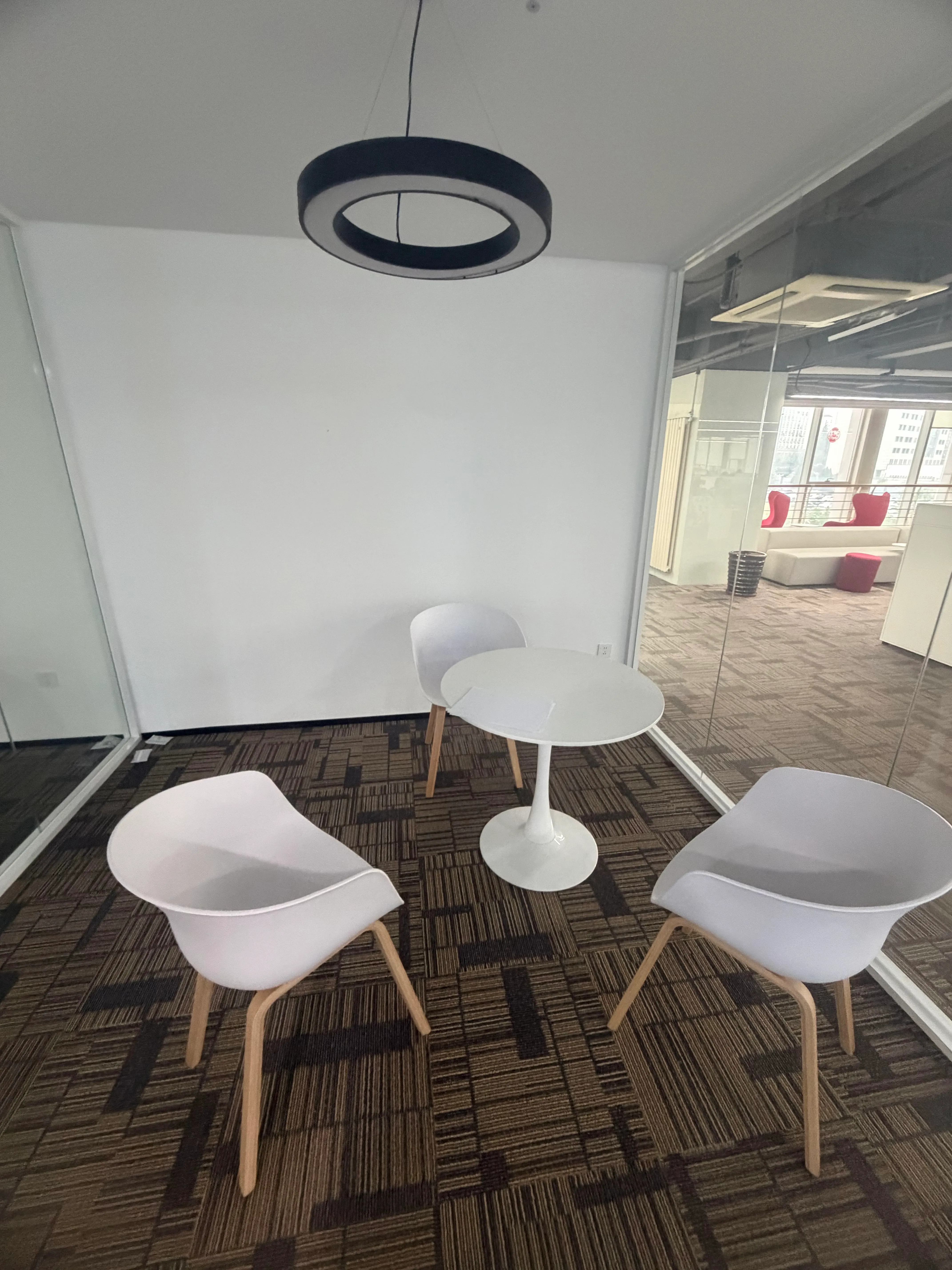
Discussion Room

Discussion Room

Suitable for 1–3 people for short and quiet discussions

Discussion Private Talk
Space Area
Approx. 5m²
Recommended Capacity
1–3 people

Facilities & Equipment

  • Four discussion rooms in total
  • Two in the north area and two in the south area
  • All rooms are equipped with power sockets

Notes

  • Best suited for temporary communication and small group discussions.
05
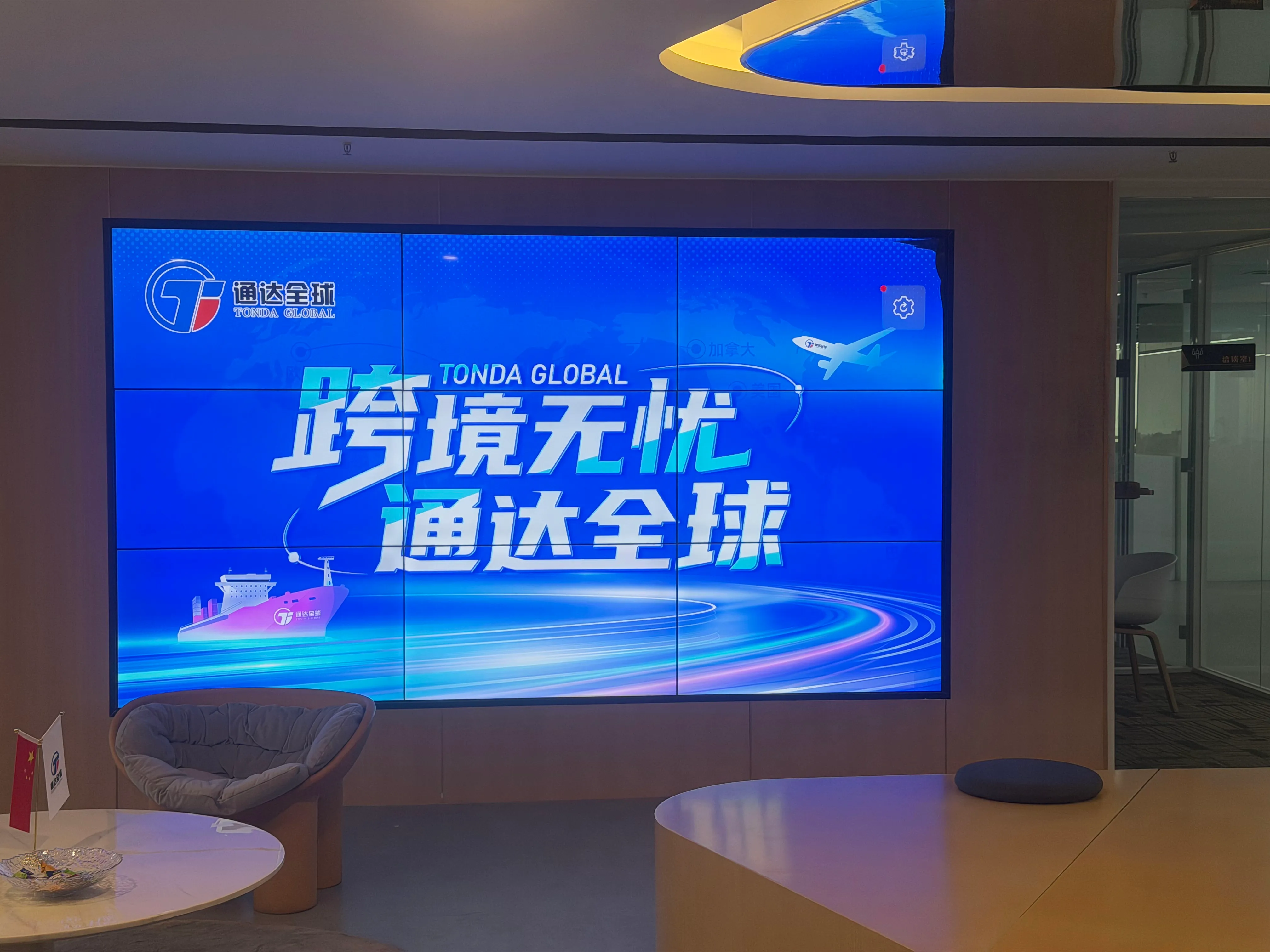
Lobby Display Screen

Lobby Display Screen

Suitable for corporate videos, welcome messages, and shared public display

Display Welcome Screen Corporate Media

Facilities & Equipment

  • Approx. 100" display
  • Audio equipment
  • ThinkServer host machine
  • Automatic playback of corporate media and background music during workdays

Notes

  • Please contact IT if screen casting or content switching is required.
  • The host machine is intended for continuous operation and must not be powered off directly.
  • Use the related power switch only according to office rules.
06
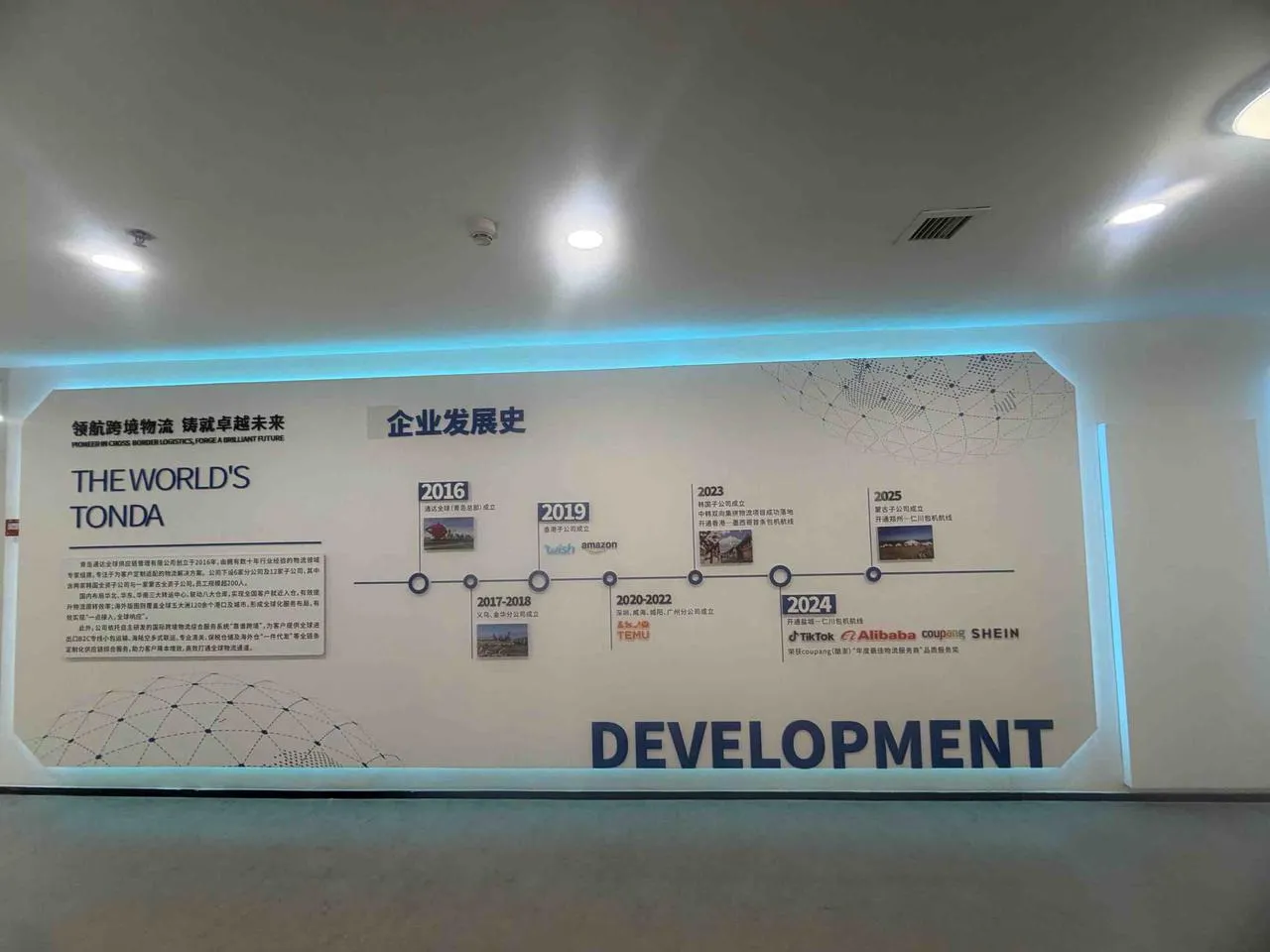
Culture Wall

Culture Wall

Public cultural display area in the office

Culture Lighting

Facilities & Equipment

  • Lighting is automatically controlled by system logic
  • Lights are switched on and off automatically on workdays

Notes

  • Please contact IT or administration if an abnormal condition occurs.
07
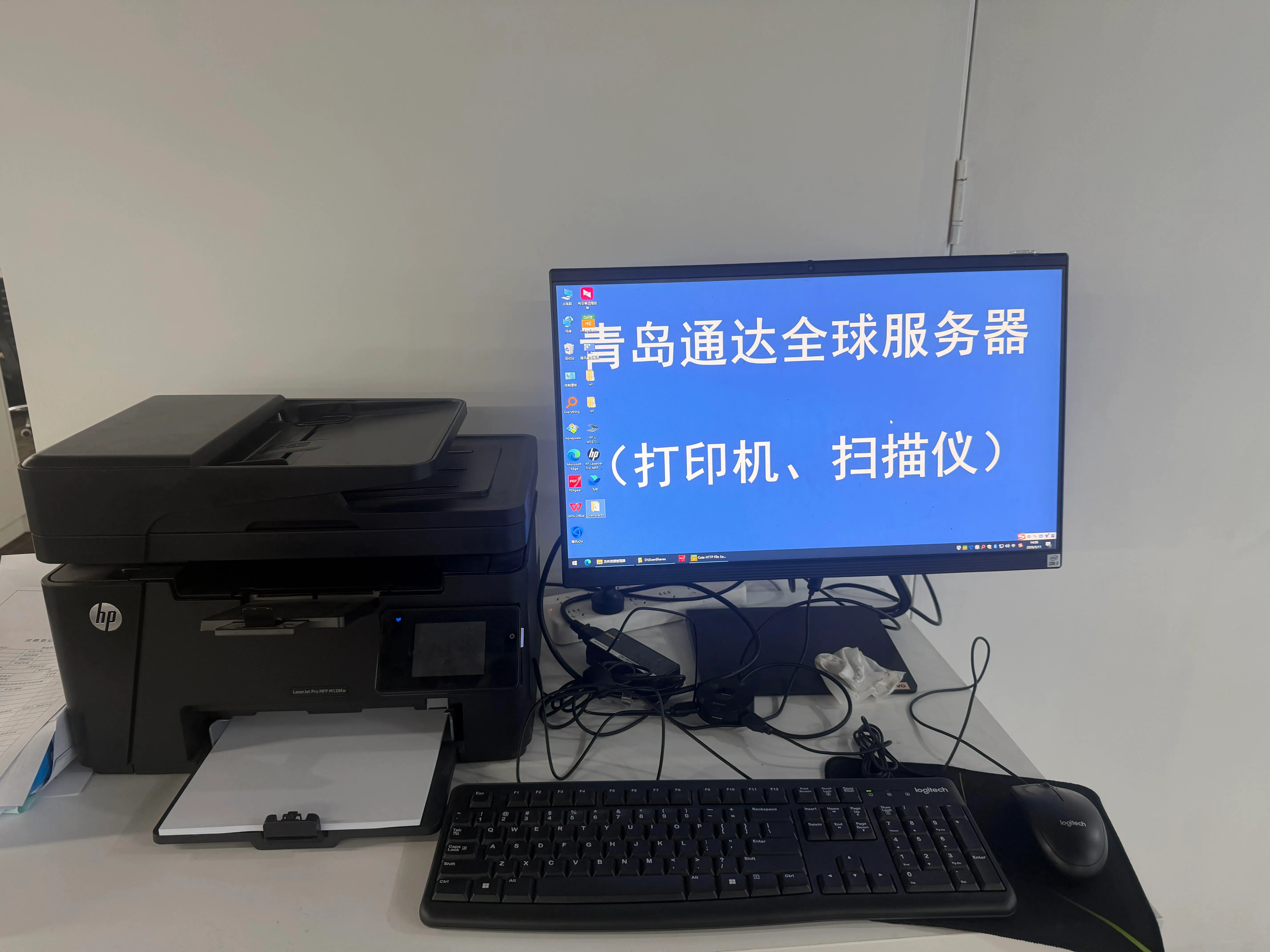
Office Printers

Office Printers

Printing and scanning equipment available in both office areas

Printing Scanning Office Equipment

Facilities & Equipment

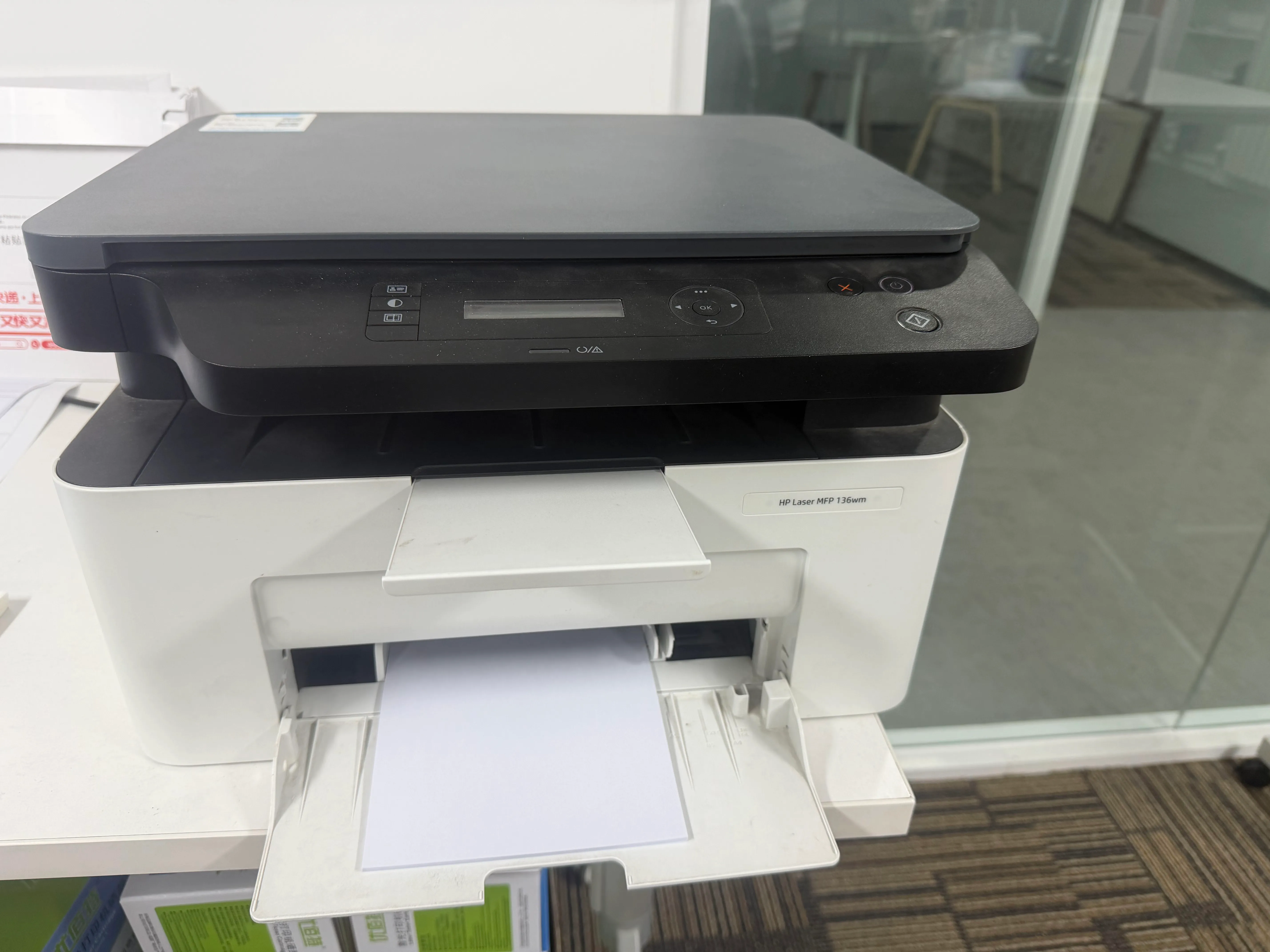
  • South area printer: HP LaserJet Pro MFP m128fw, for black-and-white printing and scanning
  • North area printer: HP Tank 755, for color printing, black-and-white printing, and scanning
  • The south area printer is more stable and faster; the north area printer supports color output

Notes

  • The south printer is near the server room, while the north printer is in the north office area.
  • Connection and scanning instructions should follow the latest IT guidance.
08
Finance Office Printers

Finance Office Printers

Dedicated equipment for finance operations

Finance Only

Facilities & Equipment

  • Dot matrix printer
  • Laser printer

Notes

  • These devices are mainly reserved for finance-related work.

Important Reminders

Please take a moment to review the following before use

  • Do not switch off power outlets in meeting rooms, reception rooms, or discussion rooms.
  • All conference PCs must be shut down normally. Direct power cut-off is prohibited.
  • Shared charging devices are available in meeting spaces. Please return them after use.
  • This page will be updated when room equipment or procedures change.